Codes
No confirmed Draw Your Cart promo codes as of Nov 2026. Watch SendyStudios and AdamRBLX, then redeem when official drops appear.
View all CodesRoblox codes, cart builds, ink tips, and fight guides.
Unofficial Draw Your Cart Roblox wiki for ink builds, fight tips, duels, bosses, upgrades, and skins to help you win more matches.
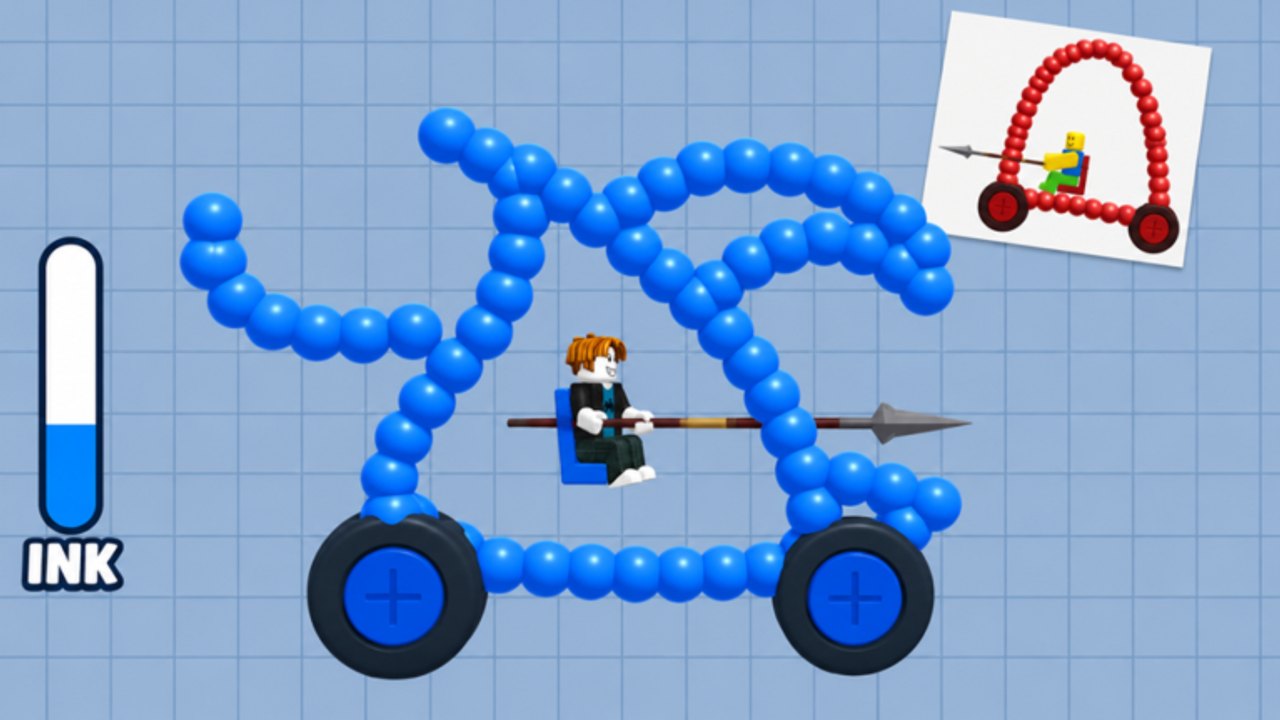
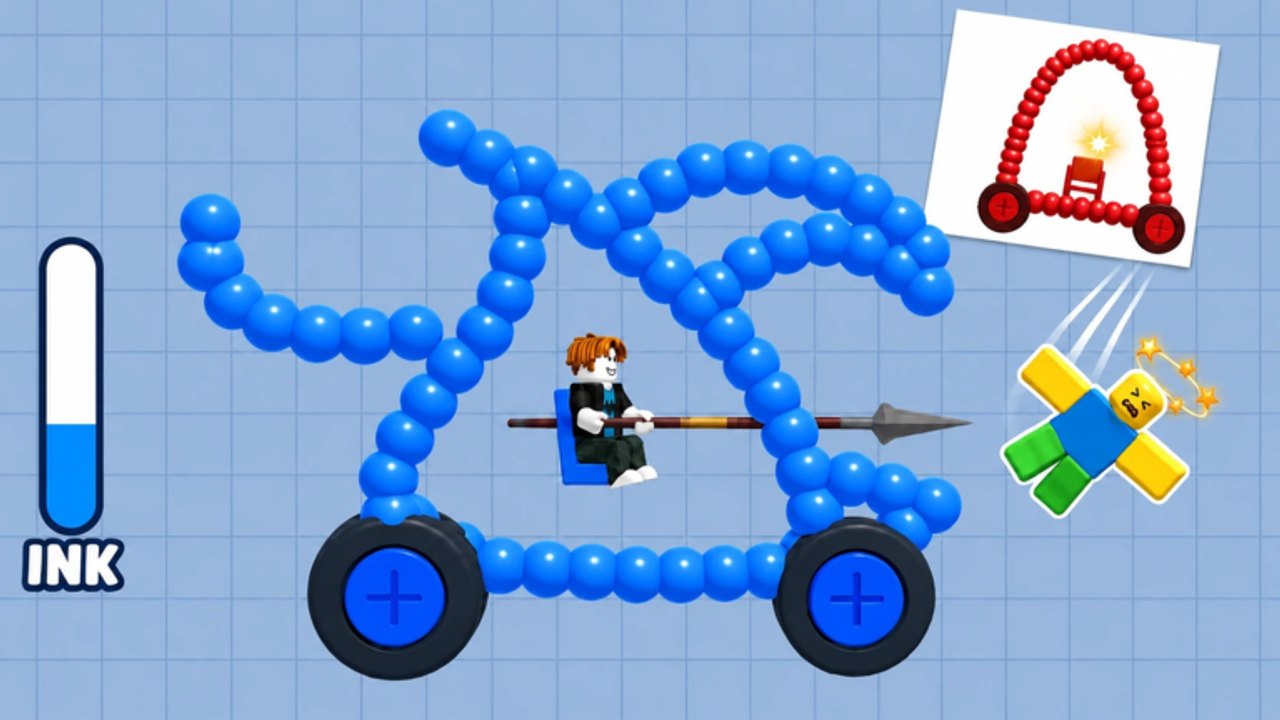
Draw Your Cart is a Roblox Party & Casual drawing combat game from SendyStudios. You sketch a cart with limited ink, connect your rider, wheels, and weapon, then swipe into FIGHT to knock rivals off, shove them into the water, or smash their frame. Every tenth win sparks a giant boss fight, DUEL opens server 1v1s, and coins buy UPGRADES for more ink plus SKINS for hats, balls, wheels, and flags. Start with the Getting Started guide, skim the tier list, and check codes whenever SendyStudios drops a promo.
No confirmed Draw Your Cart promo codes as of Nov 2026. Watch SendyStudios and AdamRBLX, then redeem when official drops appear.
View all CodesFull map of Draw Your Cart guides: first draw, ink builds, bosses every 10 wins, duels, coin upgrades, and skins.
View all GuidesDraw Your Cart tier rankings for weapon archetypes and cart builds—how ink, reach, and durability decide S-tier picks in every fight.
View all Tier ListDraw Your Cart players hub covering platform differences, six-player etiquette, when to DUEL, and links to the full controls guide.
View all PlayersDraw Your Cart update tracker: Nov 9 2026 launch, Nov 25 patch, growth stats, and what to expect next from SendyStudios.
View all UpdatesNo verified public scripts for Draw Your Cart yet. Read safety notes, common feature requests, and why legitimate play is safer.
View all ScriptsPractical Draw Your Cart player tools: ink budget, pre-fight, and boss prep checklists you can run before every match and milestone.
View all ToolsOfficial Draw Your Cart links: Roblox game page, SendyStudios group, AdamRBLX YouTube, plus wiki hubs for codes and guides.
View all LinksOpen Draw Your Cart on Roblox, hop into a server (max six players), and learn the draw canvas before you press FIGHT. Use the Play on Roblox button or visit the Getting Started guide.
Follow the how to draw guide so every stroke connects your rider to wheels and a weapon without wasting the limited ink bar.
Bank coins from wins and invest through the upgrades guide so later carts have more ink for tougher rivals and bosses.
Every tenth win is a giant boss — study boss fights and duels before you challenge players with DUEL.
Bookmark codes, browse skins, and watch the updates hub whenever SendyStudios ships a patch.
Quick answers for Draw Your Cart players.
A drawing combat game by SendyStudios where you sketch a cart with limited ink, fight rivals by swiping, and spend coins on ink upgrades, skins, quests, and career stats.
Read Getting Started, then practice efficient lines in How to Draw and check the tier list for build ideas.
As of late November 2026 no confirmed public promo codes are listed on the game page. Watch the codes hub and SendyStudios channels for drops.
This wiki supports: English, Français, Deutsch, Español, Português (BR). Configure locales in site.meta.json and run npm run generate:i18n.
Every tenth win triggers a giant boss fight. Prep ink and weapon reach using the boss fights guide before that milestone.
No. This is an unofficial fan resource. Confirm announcements on the Roblox game page and SendyStudios group.
Learn efficient ink lines, boss timing, and upgrade priorities. Start with the Getting Started guide or jump into cart builds and codes.
Open the beginner guide